How to Delete Anchor Points Without Altering Shape in Adobe illustrator
The Simplify tool removes anchor points but often distorts your path. Here's the trick: select the Delete Anchor Point tool, hold Shift, then click the point you want gone. The anchor disappears and your shape stays exactly the same—no curve distortion, no cleanup needed.
By Nathan Stoker · Published Nov 4, 2023 · Updated Apr 18, 2026 · 2 min read
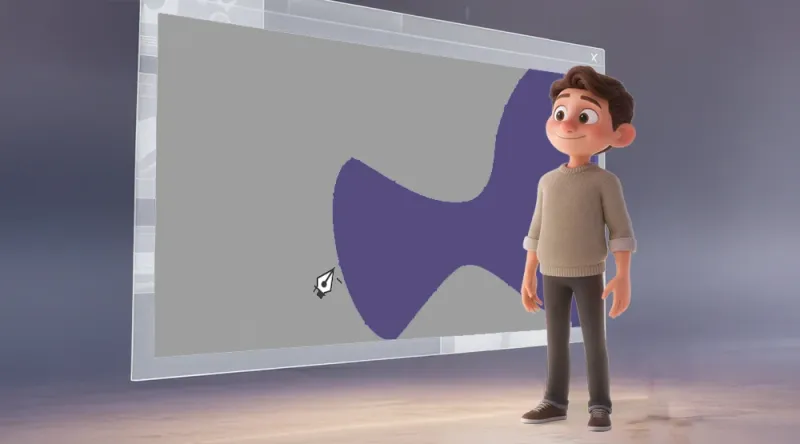
Anchor points are essential elements in Illustrator that form a path. You can add, delete, and move them to create different shapes. Occasionally, you might need to remove an anchor point that was added by mistake. In this tutorial, we will explore different methods to delete anchor points without altering the shape of your path.
Delete the Anchor Point Tool
You may be thinking, "Oh, he is going to use the Simplify Tool." But the Simplify Tool can also alter the shape of your path, so it's not always the best option.
Select the Delete Anchor Point Tool (-) from the Pen Tool section of the toolbar.
Hover over the anchor point you want to delete.
Press and hold Shift, and then click the anchor point.
The anchor point will be removed, and the shape will not change. See Video below:
Here are some other methods for removing anchor points:
Use the Direct Selection Tool (A) to select anchor points. Once you have selected an anchor point, you can press Delete to remove it.
Use the Simplify Tool. This tool will automatically remove unnecessary anchor points, but it can also alter the shape of your path.
Use the Smooth Tool This tool will smooth out the curves of a path, which can sometimes remove unnecessary anchor points.
Nathan Stoker
I build custom eLearning in Storyline, Rise and JavaScript, and I make the free tools and templates on this site. Need an interaction like this in your course? Let's talk.