How to set a pass mark in Storyline 360 (and when a question should not count)
Scoring tends to get decided at the end of a project. Somebody types 80% into a box, the quiz goes to the LMS, and nobody asks what a pass is supposed to mean.
By Nathan Stoker · Published Nov 24, 2026 · 5 min read
Scoring tends to get decided at the end of a project. Somebody types 80% into a box, the quiz goes to the LMS, and nobody asks what a pass is supposed to mean.
Here is how I set up scoring in my Arcade quiz template and why. The numbers are defaults. You can change all of them.
What the template does
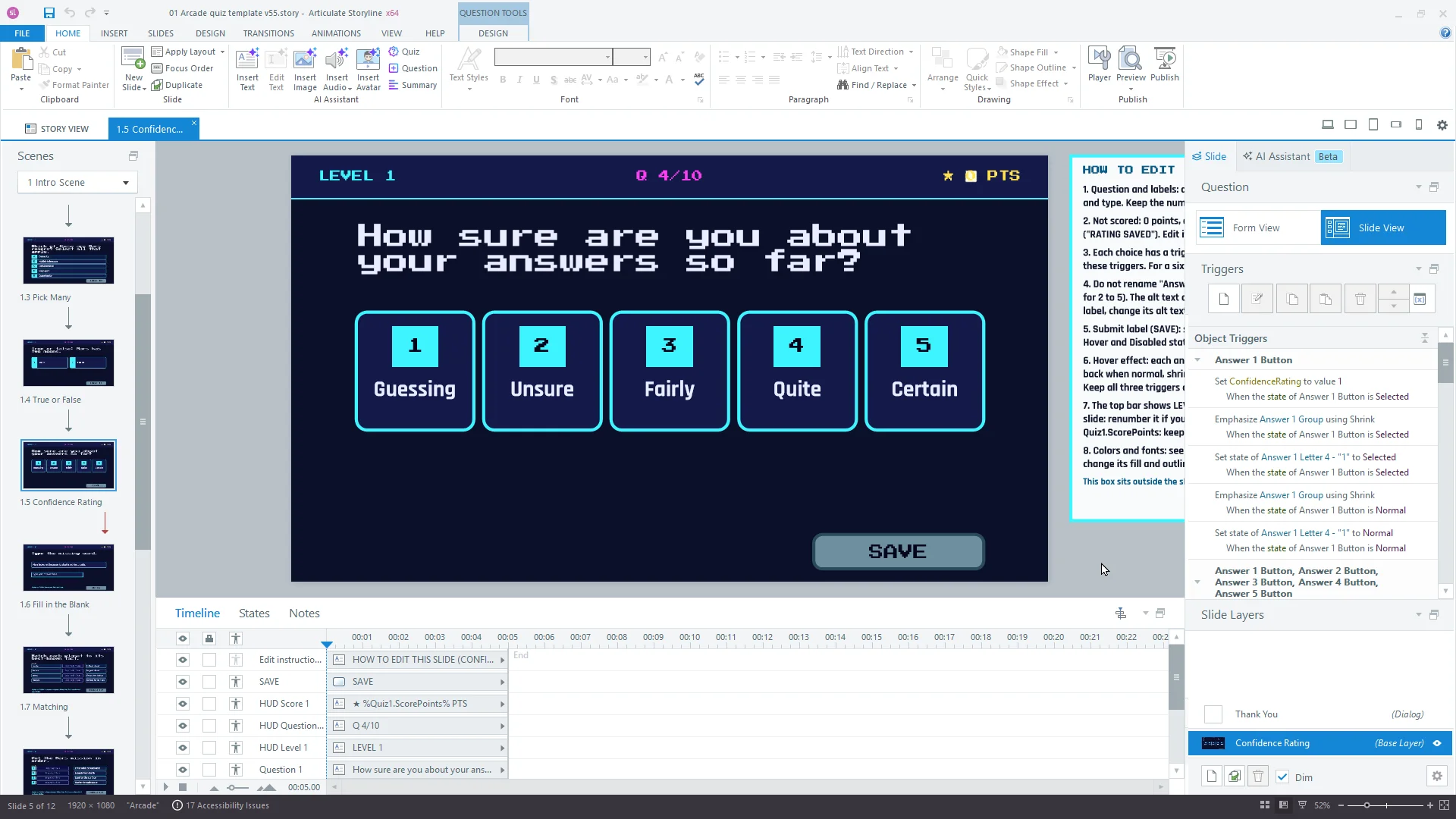
Arcade Quiz Template has 12 slides: an intro, ten question slides and a Results slide. Nine of the ten questions are scored at 10 points each, so the quiz is worth 90 points. The pass mark is 80%, which works out to 8 of 9 correct.
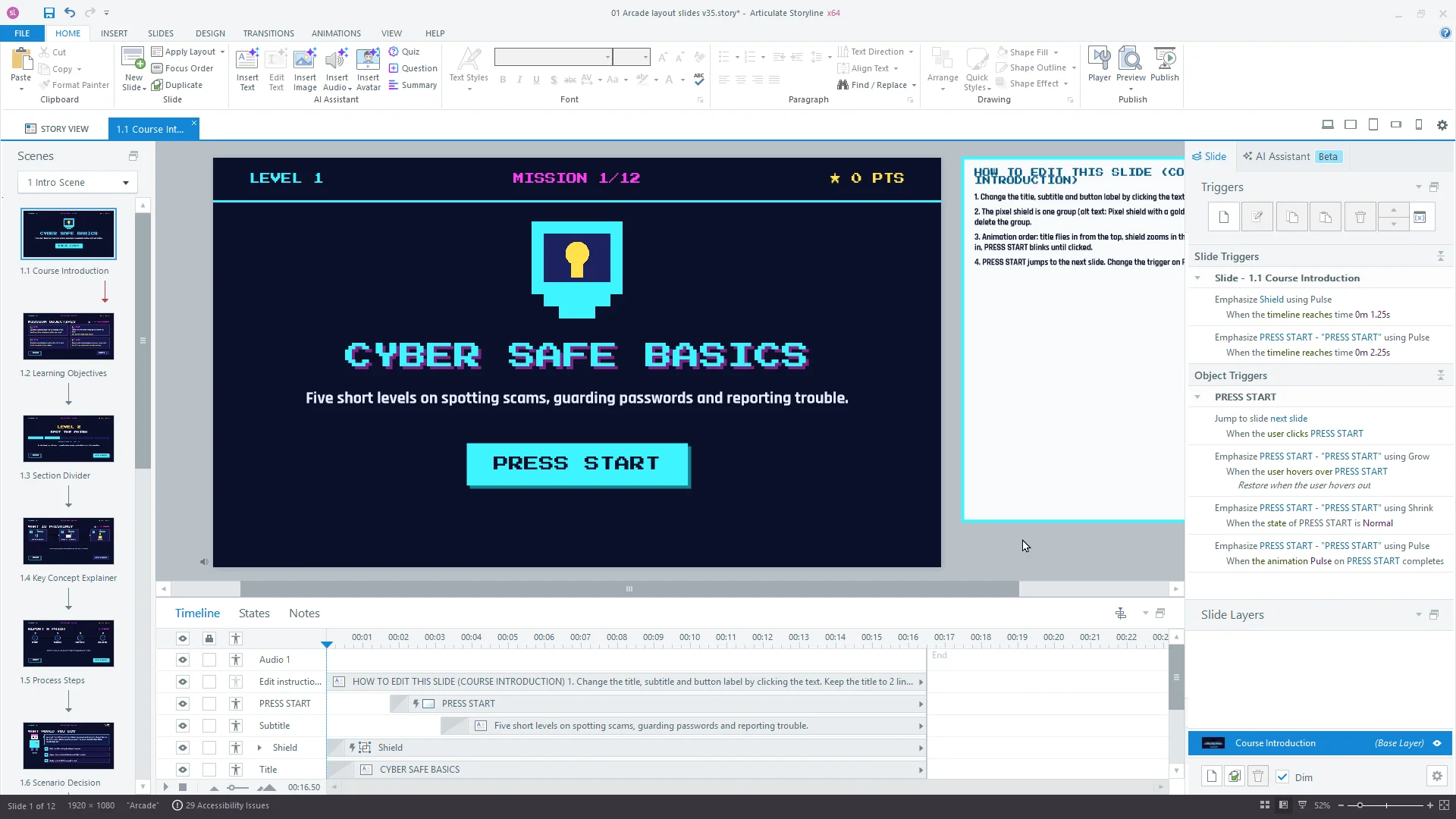
The tenth question, Confidence Rating, is not scored. It stores the learner's answer in a variable instead.
Why one question is unscored
A confidence question asks "How sure are you about that?" It has no right answer, so giving it points would be strange. Scoring it would also push the total toward whatever the learner feels, not what they know.
What it gives you is a second signal. A learner who gets a question wrong and was sure they were right is a different problem from one who guessed. If you keep the answer in a variable, you can show it on the Results slide, send it to your reporting, or branch to different feedback. The template only stores it. What you do with it is up to you.
Points per question
I gave every scored question 10 points. Equal weight is the simplest thing to explain to a learner, and it keeps the pass mark easy to reason about: one question is about 11% of the score.
Different weights are fine when a question really matters more. A safety step that must be right can be worth more than a vocabulary check. Just be honest about it. If the learner can't see why one question is worth 30, the score will feel arbitrary.
Check how a Pick Many question scores when someone selects some of the right answers but not all of them. Do that in Preview before you decide how to weight it. Don't assume.
How to pick a pass mark
80% is a default, not a rule. It is common, and it is what I shipped, so it is easy to explain. But it should come from the stakes.
Ask what a pass is supposed to mean. If it means "this person can do the task safely," a low-stakes refresher and a compliance requirement should not share a number. If the pass mark comes from policy, use the policy and write it on the intro slide.
Also look at the size of the quiz. With nine scored questions, 80% means 8 correct, and 7 correct fails. That is a hard edge. With a longer quiz, one miss moves the percentage less. Do the math for your own question count before you accept a percentage.
The pass mark in the template is a normal Storyline quiz result setting. When you change it, edit the intro slide text too, so the learner is told the same number the Results slide uses.
[Screenshot: The quiz result properties window with the pass mark field highlighted. Alt text: "Storyline 360 result slide properties with the passing score setting highlighted."]
What the learner sees
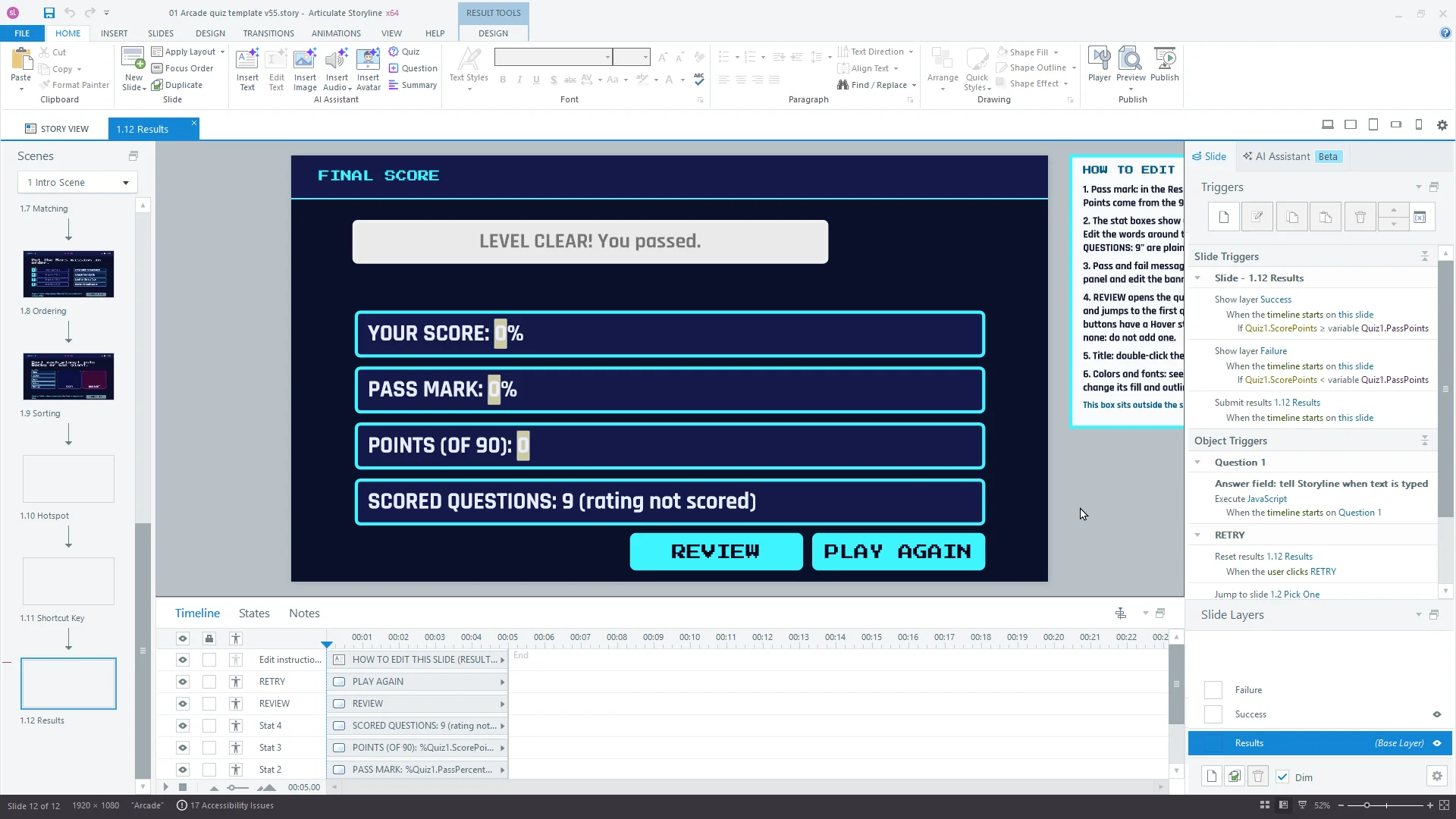
The Results slide shows the score and a pass or fail banner. Two buttons sit under it: Review and Try Again. Each question also has its own correct and incorrect feedback layer, so the learner hears about the miss at the moment it happens, not only at the end.
I'd test the Try Again path yourself in Preview. Answer wrong on purpose, fail, retry, and watch what the score does. Retry rules are a design decision. Decide whether a second attempt should replace the first score or only count the best one, and make sure the course and your LMS agree.
What to report to an LMS
This part is general Storyline practice, not specific to the template. In the publish settings you choose what the LMS gets: usually a pass or fail status and the score. Report the score if anyone will look at it later. Report pass or fail if completion is all the LMS needs. Don't send the unscored confidence answer unless someone will use it.
Keyboard access matters here too
Every question in the template works from the keyboard alone. JavaScript is used only for the keyboard path on the three drag questions. Everything else is native Storyline. A quiz is not fair if some learners can't answer it, so scoring starts there.
The template needs Storyline 360 on the desktop.
If you want the scoring already wired, with the unscored question, the pass mark and the Results slide, the Arcade Quiz Template is here.
Nathan Stoker
I build custom eLearning in Storyline, Rise and JavaScript, and I make the free tools and templates on this site. Need an interaction like this in your course? Let's talk.