Learning Systems & Architecture
I built a course authoring tool that opens Storyline files. The alpha is live.
Rise is quick but you can't move anything. Storyline lets you move everything but a simple page takes an afternoon. So I built Midline: Rise-style blocks on a Storyline-style canvas, in the browser, and it opens and saves Storyline files. The alpha is live.
By Nathan Stoker · Published Nov 26, 2026 · 5 min read
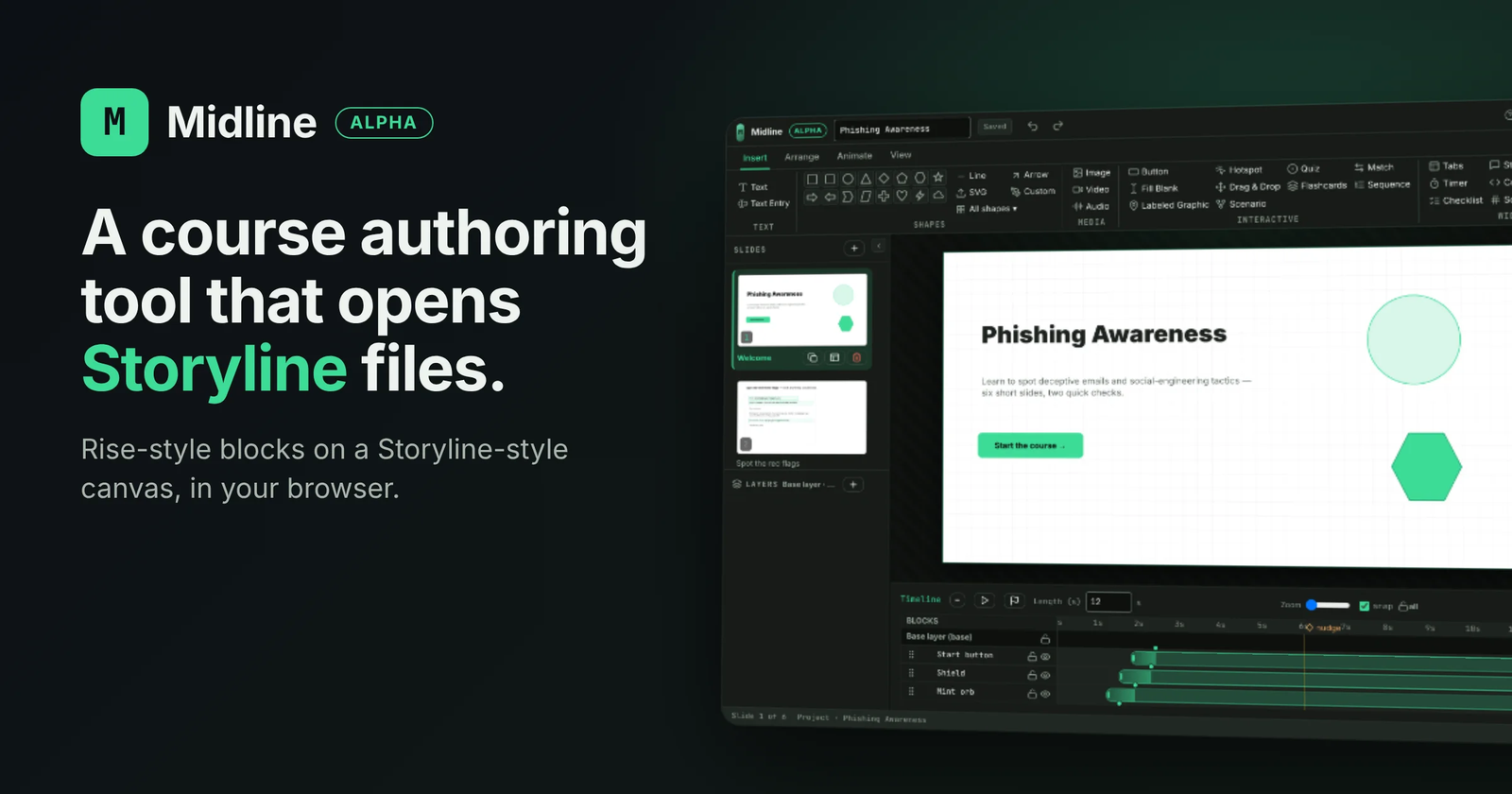
I've been building eLearning in Storyline and Rise for years, and I keep running into the same wall. Rise is quick but you can't move anything. Storyline lets you move everything but a simple page takes an afternoon. Most real courses need some of each.
So I built the tool I wanted. It's called Midline, it runs in a browser, and today I'm putting the alpha up for anyone to try and contribute to. https://github.com/natestoker/midline
What it is
Midline has Rise-style blocks (tabs, flashcards, labelled graphics, quizzes) that you drop onto a Storyline-style slide. Each slide is a free canvas with layers, states, a timeline and triggers. You can use a block as it comes, or pull it apart and wire it up yourself.
There's nothing to install. Your project stays in your browser, and a published course is a single HTML file that works offline.
What works today
26 block types. Text, images, shapes, video, audio, hotspots, tabs, flashcards, sliders, scenarios, and six kinds of question.
A real trigger engine. Variables, conditions, layers, states, lightbox slides, custom Next and Back, and a JavaScript action for anything else.
Publishing. Web, SCORM 1.2, SCORM 2004 and xAPI. I ran the SCORM packages through SCORM Cloud and Moodle, and the xAPI output through a real LRS: completion, score, bookmarking and resume all report correctly.
PowerPoint import that keeps the deck's own fonts and colours.
Narration from text, with captions, generated in the browser.
Accessibility built in. Keyboard paths for drag and drop, focus that follows slide changes, and a publish check for missing alt text.
The part I'm most pleased with
Midline opens Storyline .story files and saves them back out.
Open a .story file and you get its slides, layers, text, pictures, audio with captions, variables and triggers. Storyline's built-in questions arrive as working quiz blocks, and result slides keep their design with a live score.
Going the other way, a Midline project saves as a .story file that opens in Storyline 360: slides, text, pictures, layers, triggers, narration, and quizzes as freeform Pick One, Pick Many and Drag and Drop questions.
Getting that right took a lot of trial and error. Storyline doesn't say why it rejects a file, so each rule was found by opening test files one at a time.
What's not done
This is an alpha, and I'd rather tell you now than have you find out. Things will change, some things will break, and you should keep a copy of your project file as you work.
Saving to Storyline doesn't yet write result slides, fill-in-the-blank questions, video, flashcards or scenarios. Those come out as a labelled outline.
Opening a Storyline file drops points per question, attempt limits and the Review Quiz button.
It has been tested with Orca on Linux. NVDA, JAWS and VoiceOver are next.
Anything a block can't express in Storyline is kept as a note in a JavaScript trigger, so nothing vanishes silently, but you will have some tidying to do.
After every open or save, Midline shows a report of exactly what did not come across.
Try it
It's here: https://natestoker.github.io/midline/
Load the demo course from the welcome screen, click around, and publish it. If you have a Storyline file you don't mind experimenting with, open it and see what survives.
I'd like to hear what breaks. The gaps above are what I'm working on next, and real files from real projects are the fastest way to find the ones I don't know about yet.
Nathan Stoker
I build custom eLearning in Storyline, Rise and JavaScript, and I make the free tools and templates on this site. Need an interaction like this in your course? Let's talk.