6* Web Tools to Supercharge Your eLearning in Articulate Storyline (and Beyond)
By Nathan Stoker · April 29, 2025 · 5 min read
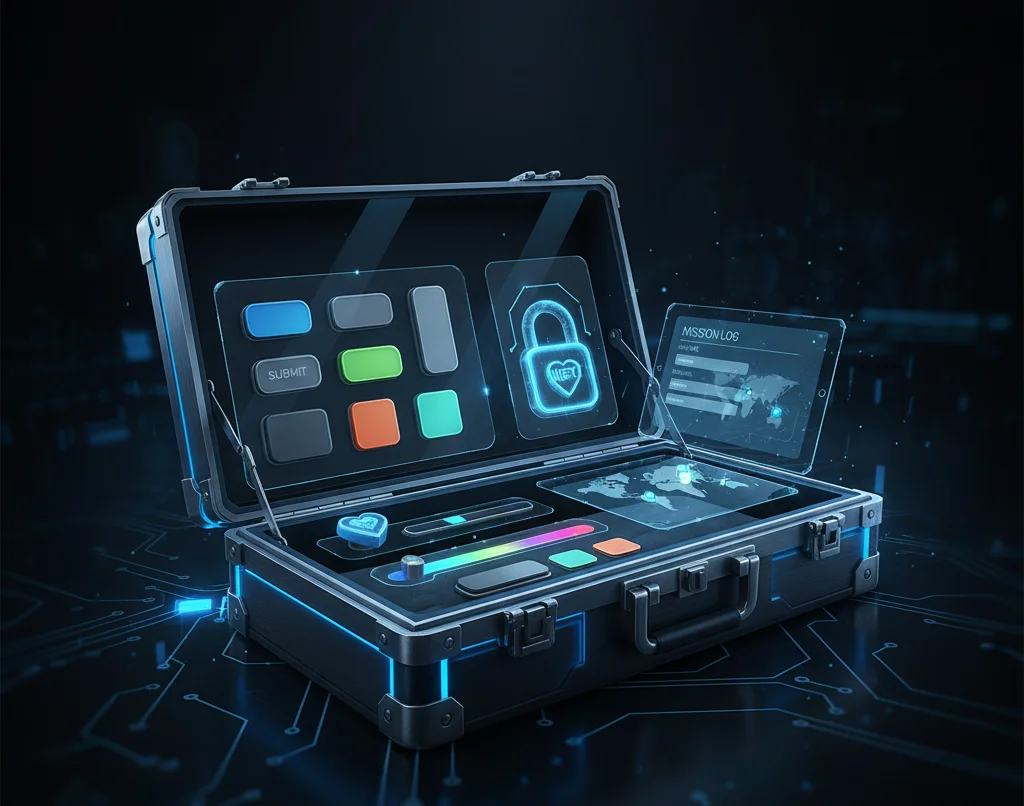
If you spend enough time inside Articulate Storyline, a pattern starts to emerge. You can usually get close to what you want, but the last ten percent—the polish, the clarity, the feeling that something was done on purpose—takes far more effort than it should.
That’s where these tools came from.
I didn’t set out to build a toolkit. I was just tired of solving the same problems over and over again. Navigation that confused learners. UI elements that felt dated no matter how clean the content was. Interactions that technically worked but never quite felt right. Each tool started as a fix on a real project and slowly turned into something reusable.
They all live here:
https://natestoker.com/webtools
Most of them are designed specifically for Storyline. One of them exists because sometimes Storyline isn’t the right answer at all.
EyeSpy — When Storyline Isn’t the Right Tool
EyeSpy is the outlier, and that’s intentional. There are moments when forcing an interaction into a slide-based player adds more friction than value. EyeSpy lets you take an image and turn it into an interactive experience without opening Storyline at all.
You define the hotspots, decide what happens when learners interact, and export something lightweight that can live on its own. I reach for it when I want something exploratory, game-like, or when the interaction should feel more like a web experience than a course slide.
https://natestoker.com/webtools/eyespy-generator
Lock Icon Generator — Making Navigation Honest
This one came from a very small but very common frustration. Learners click disabled buttons and assume the course is broken. That’s not a learner problem; it’s a design problem.
The lock icon generator replaces inactive navigation with a clear visual signal so people immediately understand what’s happening. When the button unlocks, the icon disappears on its own. No duplicate buttons. No fragile trigger chains. Just clearer communication.
https://natestoker.com/webtools/storyline-lockicon-generator
Storyline Seekbar Generator — Making the Player Feel Intentional
The default Storyline seekbar works, but it rarely looks like it belongs. When everything else in a course feels intentional and the seekbar looks untouched, it quietly drags the whole experience down.
This tool lets you restyle the seekbar so it actually matches the course instead of fighting it. It’s a small change, but it’s one of those details that makes a course feel finished instead of assembled.
https://natestoker.com/webtools/storyline-seekbar
Round Buttons — Fixing the Most Visible UI Element
Buttons are everywhere in Storyline, and the defaults age quickly. Even strong content can feel dated if the buttons look like they haven’t changed in a decade.
Round Buttons is simply a fast way to modernize them. Cleaner edges, better hover behavior, and consistent colors go a long way toward making the interface feel current without rebuilding every interaction from scratch.
https://natestoker.com/webtools/storyline-roundbuttons
ScriptScribe — Turning the Glossary into a Memory
The Storyline glossary tab is almost always ignored, which makes it a strange piece of unused real estate. ScriptScribe came from the question, “What if this actually mattered?”
Instead of definitions, it becomes a place where learner decisions are recorded. A journal. A mission log. A visible history of the path they’ve taken through a scenario. Once you see the glossary used this way, it’s hard to go back.
https://natestoker.com/webtools/storyline-scriptscribe
Storyline Skin Generator — Keeping Visual Consistency Without Micromanaging
This one is less flashy but arguably the most practical. Keeping player colors consistent across modules is tedious, and visual drift happens faster than most teams realize.
The Storyline Skin Generator helps define a clean, reusable color system so the player UI stays aligned, especially when you’re mixing Storyline with custom JavaScript or external interactions. It’s about consistency, not decoration.
https://natestoker.com/webtools/storyline-skin-generator
Why These Exist at All
None of these tools are trying to replace Storyline. They exist because Storyline is good at many things and frustrating at a few very specific ones. These are the gaps I kept running into on real projects, and this is how I stopped solving them from scratch every time.
If you want to explore all of them, they’re collected here:
https://natestoker.com/webtools
If one of them saves you time, that’s a win. If it sparks an idea for something Storyline should do but doesn’t, that’s usually how the next tool starts.